Gradsy
Turning a Manual Workflow into a Scalable Product
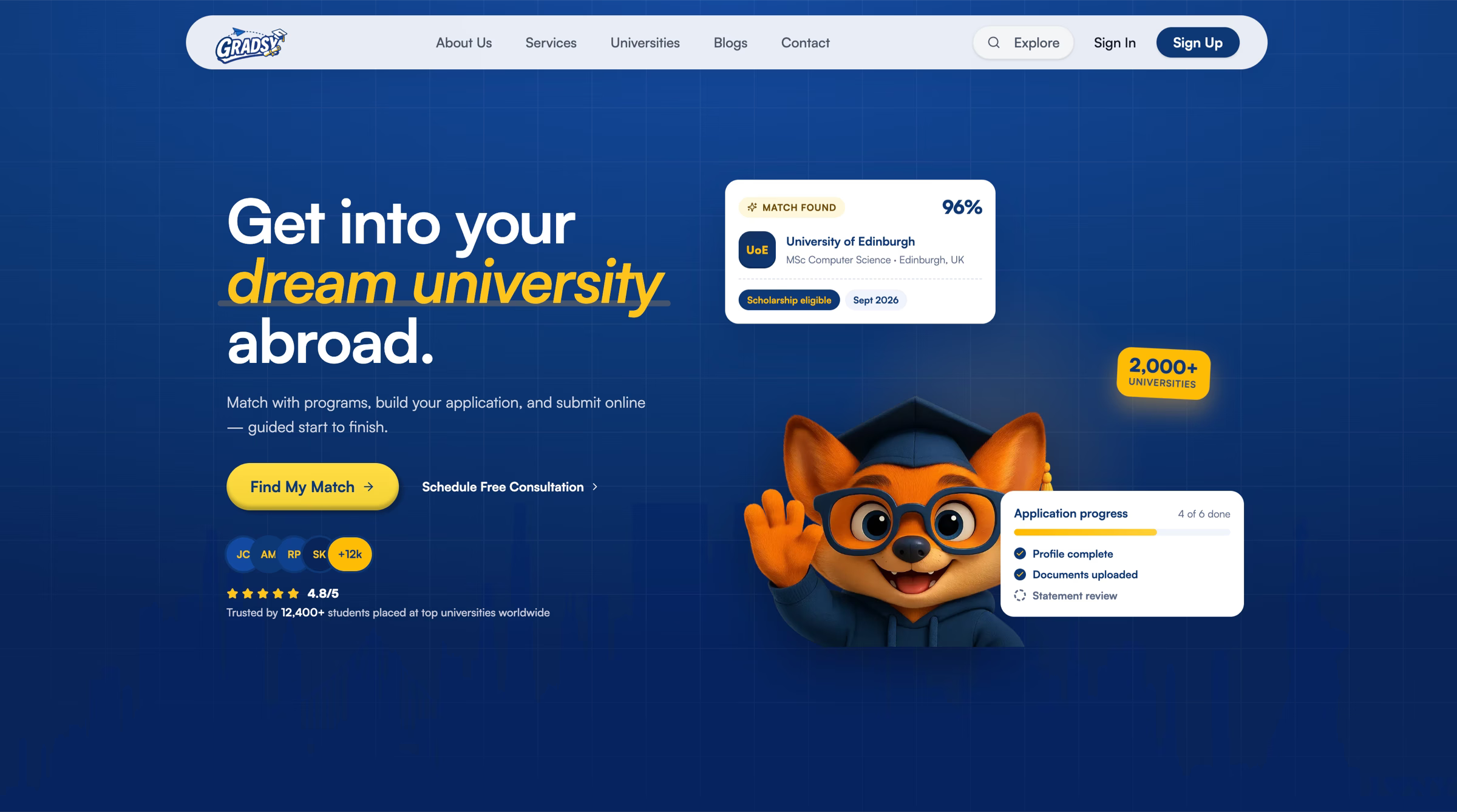
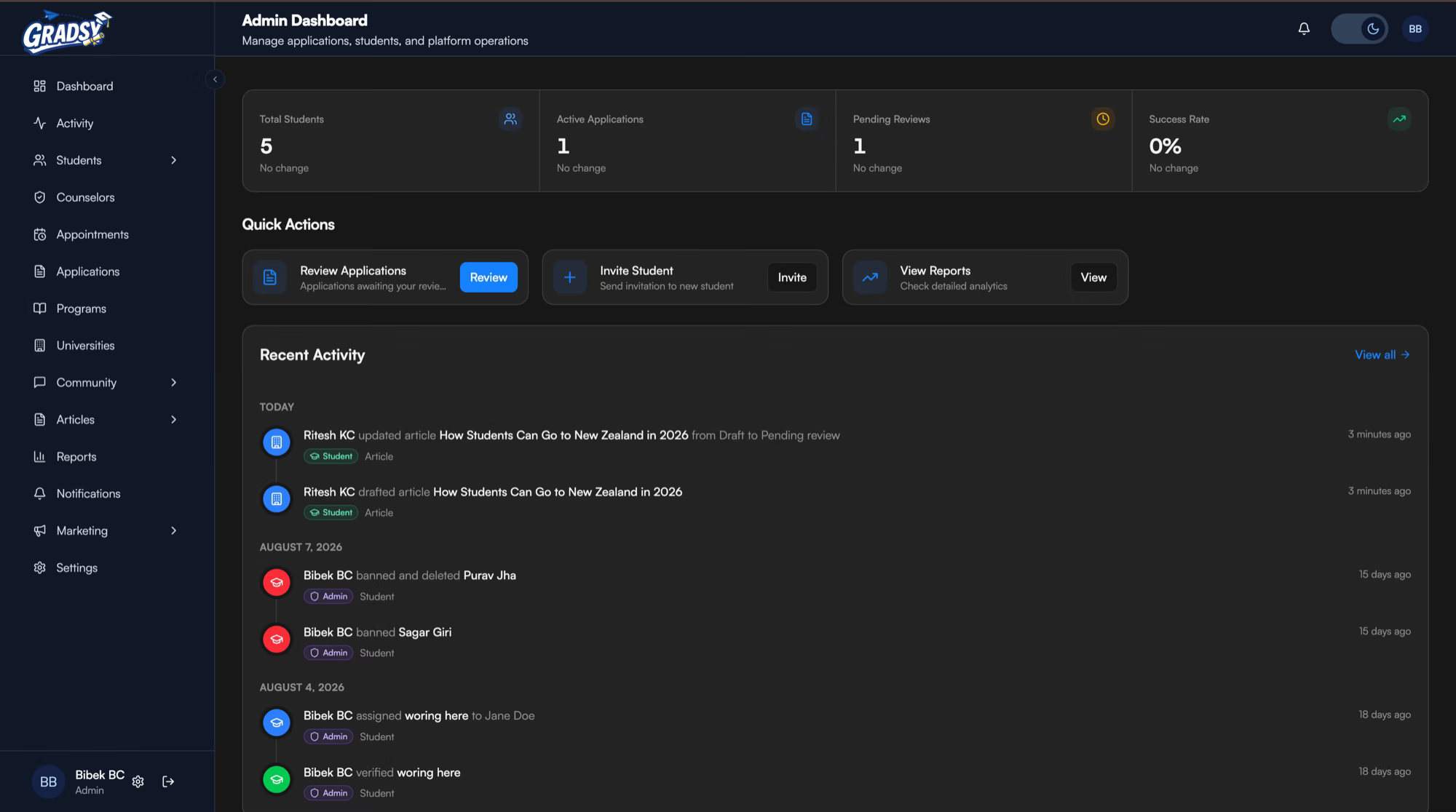
A centralized platform for students, counselors, and admins with role-based access - built with Next.js and NestJS, and deployed on AWS using S3, SES, and Lightsail.
- problem
- Students struggled to find suitable universities and manage applications, while counselors and admins had fragmented workflows for tracking students, documents, and applications.
- my role
- Full-stack engineer
- outcome
- Gradsy brought university discovery, student applications, and consultancy workflows into one platform - simplifying the experience for students, counselors and admins.
- stack
- Next.js
- NestJS
- TypeScript
- Prisma
- PostgreSQL
- Redis
- BullMQ
- AWS
- AWS Simple Email Service
- S3
- Lightsail
From a consultancy website to a product built around the real problems students face
The project started with a simple request from UniHub (opens in a new tab), an education consultancy in Nepal - build a modern landing page for their business.
We built the website, but as we worked closely with the team, we started seeing a bigger problem.
Students, counselors, and admins were managing too much of the admission process manually. Information was scattered, communication was messy, and keeping track of students through different stages was difficult.
That became Gradsy.
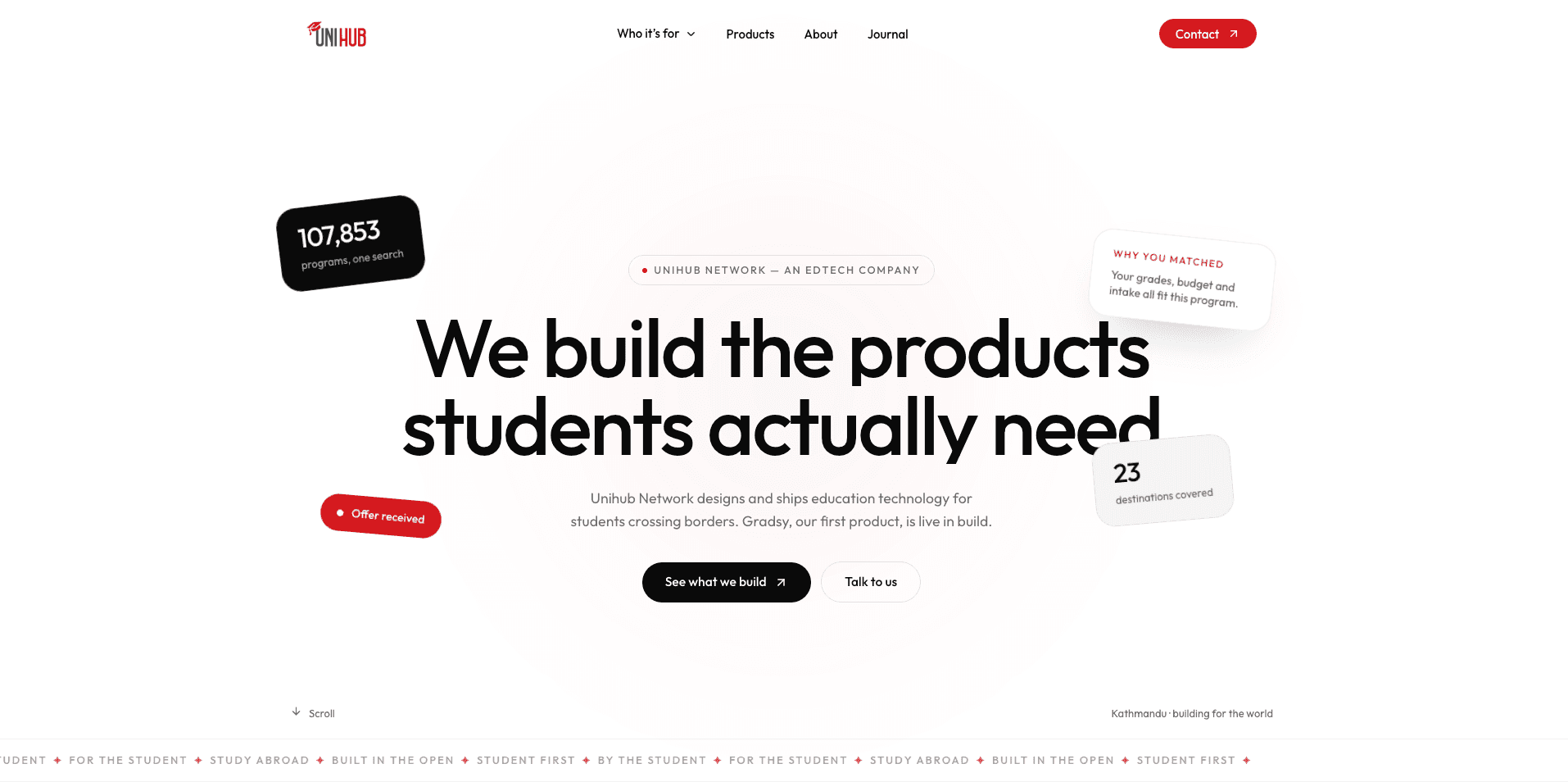
From landing page to product
What started as a website turned into a platform designed around the actual workflow of an education consultancy.
I worked as the full stack developer, taking care of the frontend, backend, authentication, file management, emails, and deployment.
The goal wasn't to build another dashboard.
It was to make the day-to-day work easier for students, counselors, and admins.
Why Next.js
Gradsy had two very different sides - a public-facing experience and a highly interactive application.
Next.js gave me the right balance.
I could build fast, SEO-friendly pages for the public side while using the same application for the complex dashboard experience.
It also kept the frontend architecture straightforward as the product grew.
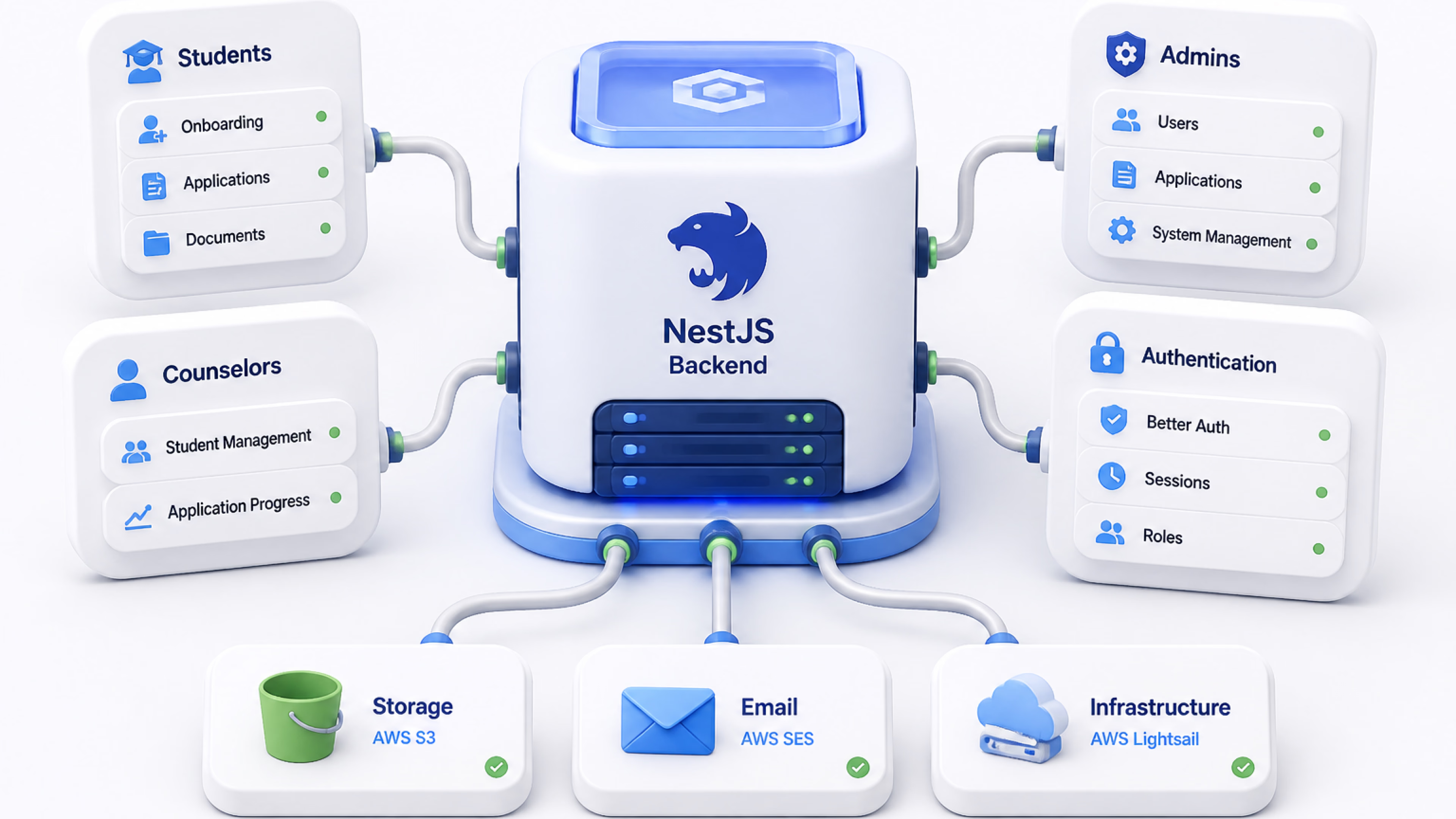
Why NestJS
As the number of workflows increased, the backend needed structure.
I chose NestJS because it gave me a clean way to organize the application around modules, services, controllers, guards, and business logic.
This became especially useful when different users started having different roles and workflows.
Students needed one experience.
Counselors needed another.
Admins needed a much broader view.
The backend had to keep all of that organized.
Authentication with Better Auth
Authentication wasn't something I wanted to build from scratch.
Better Auth gave us the foundation for secure authentication and session management while keeping the implementation flexible enough for Gradsy's different user roles.
That meant less time maintaining authentication code and more time solving the actual product problems.
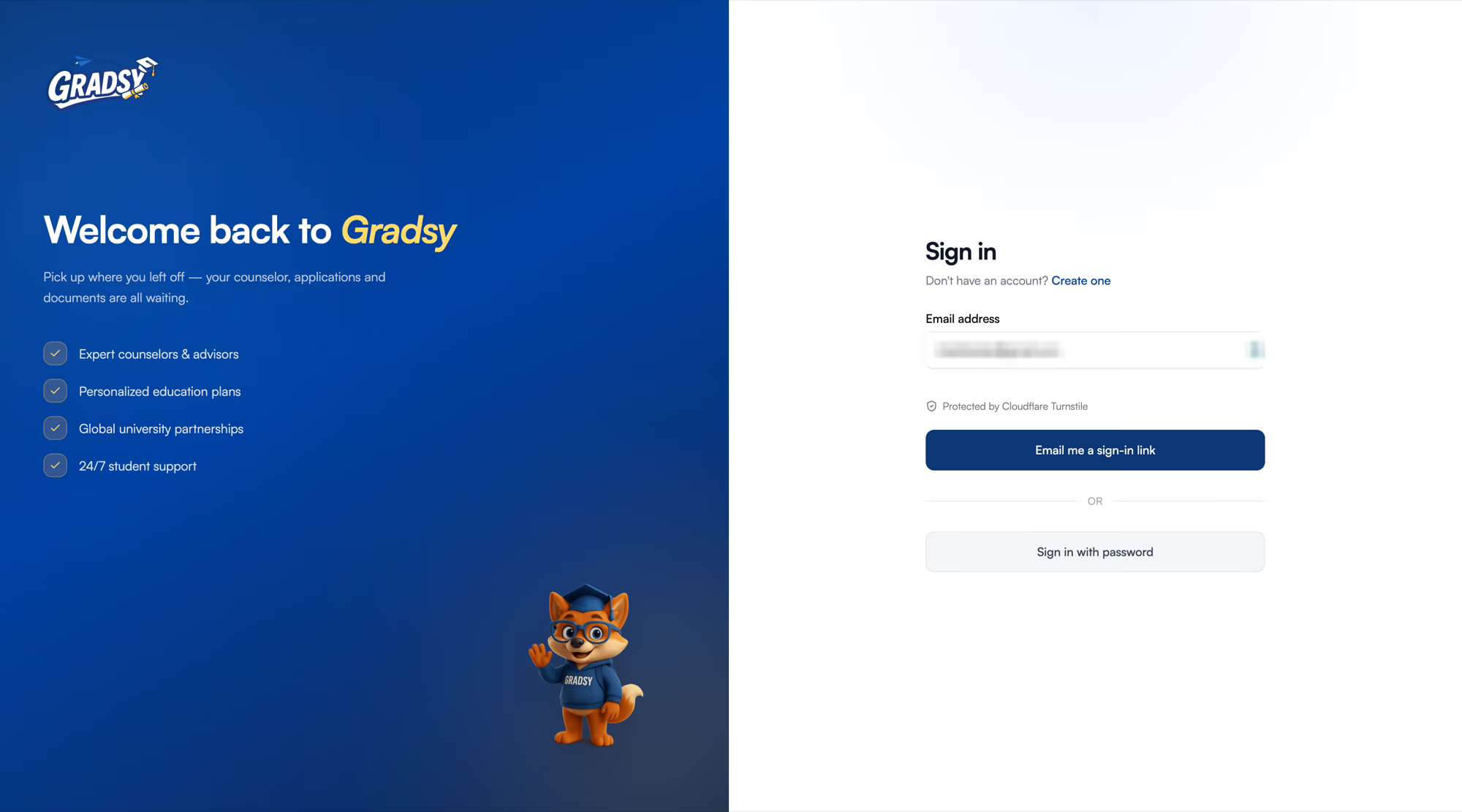
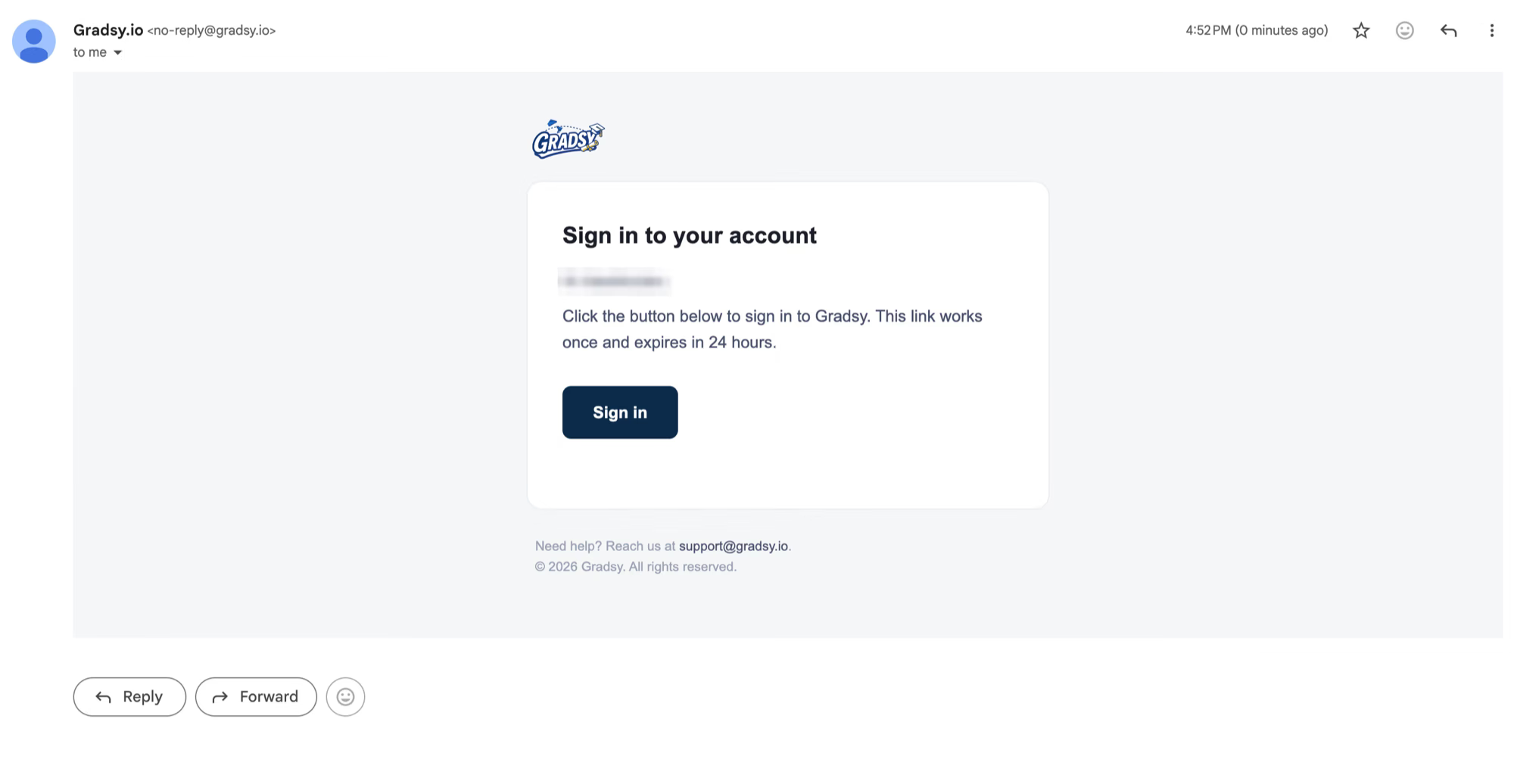
Magic Link signup using Better Auth (opens in a new tab) and AWS Simple Email Service SES.
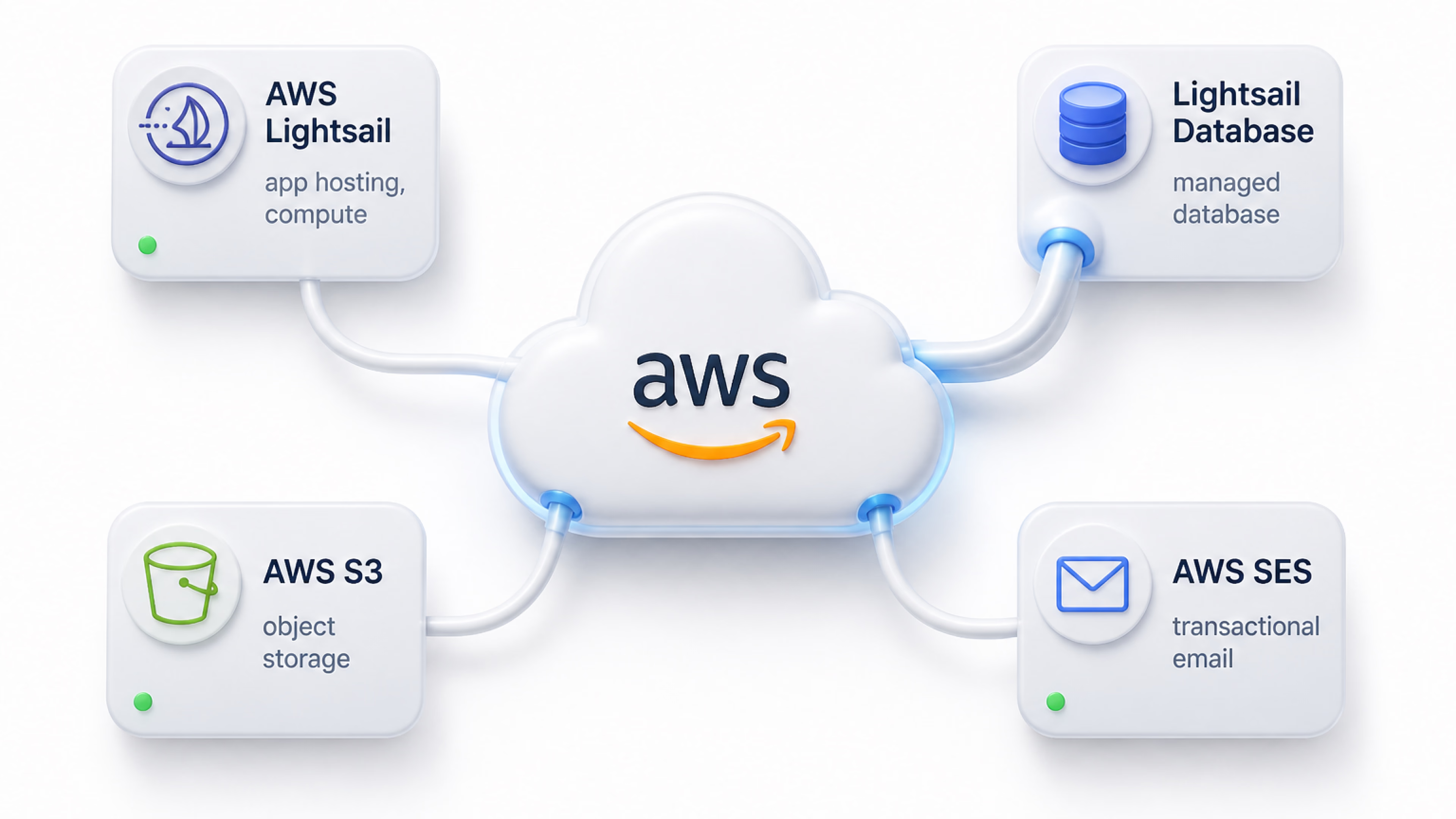
AWS behind the scenes
The application needed reliable infrastructure without making the project unnecessarily complicated.
I used Amazon S3 for storing documents and other uploaded files.
Amazon SES handled transactional emails and communication from the platform.
And Lightsail gave us a simple way to deploy and run the application while keeping infrastructure costs predictable.
What I built
Gradsy became a full workflow platform for the consultancy.
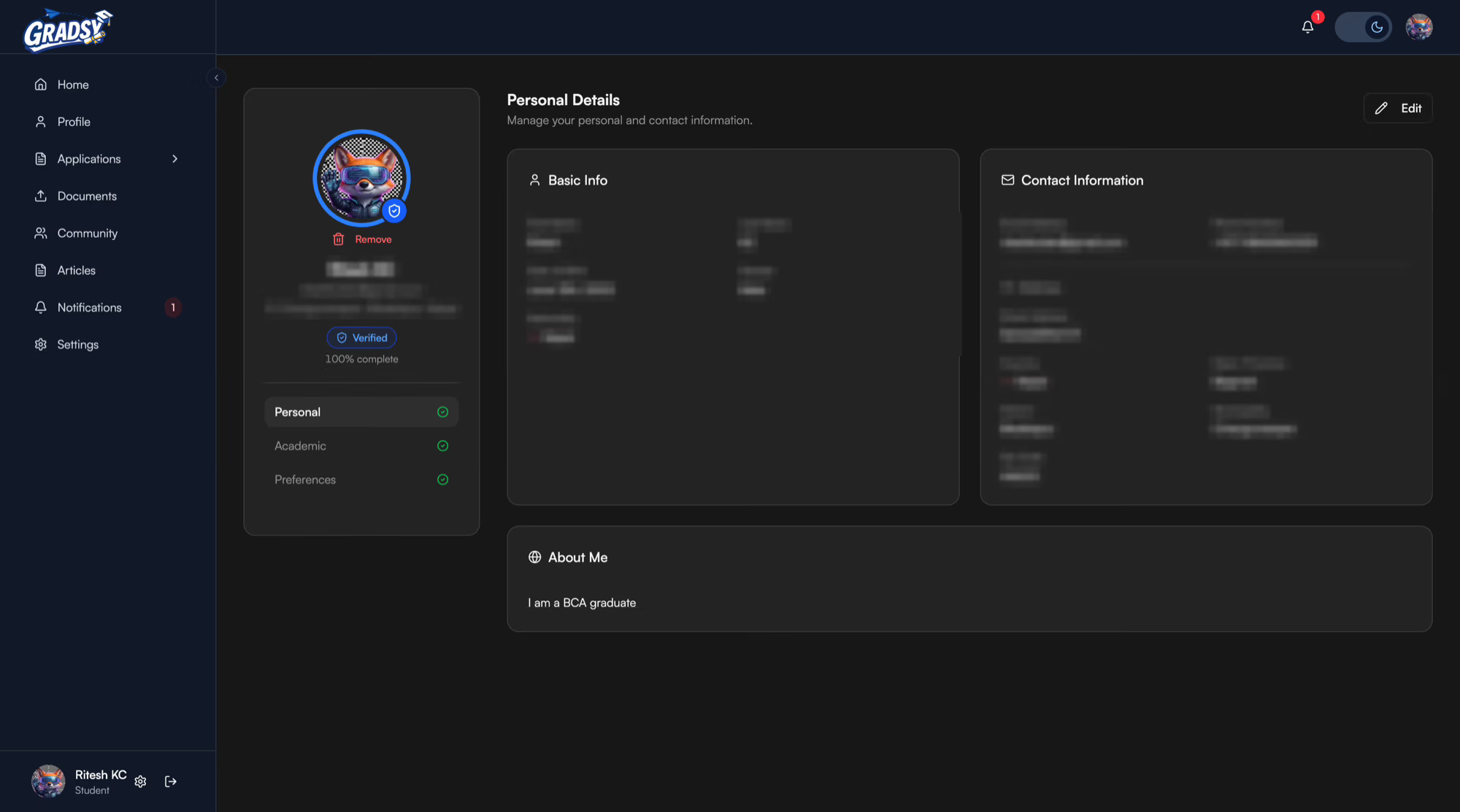
Students could manage their applications and information.
Counselors could manage students and their progress.
Admins could oversee the entire operation.
And behind all of that was a backend, authentication system, file storage, email infrastructure, and deployment setup designed to keep everything connected.
The part I liked most
The interesting part of Gradsy wasn't choosing Next.js or NestJS.
It was watching a simple landing page turn into a real product.
We started by building what the client asked for.
Then we spent enough time understanding how they actually worked.
That changed what we built.
A consultancy ran applications in spreadsheets and email. The platform gives a student one honest view of their own file, and gives the office one queue built from the same records.
screens
21 screens — click to enlarge